
Delete Comments
Open the Confluence Page which includes comments you want to delete.
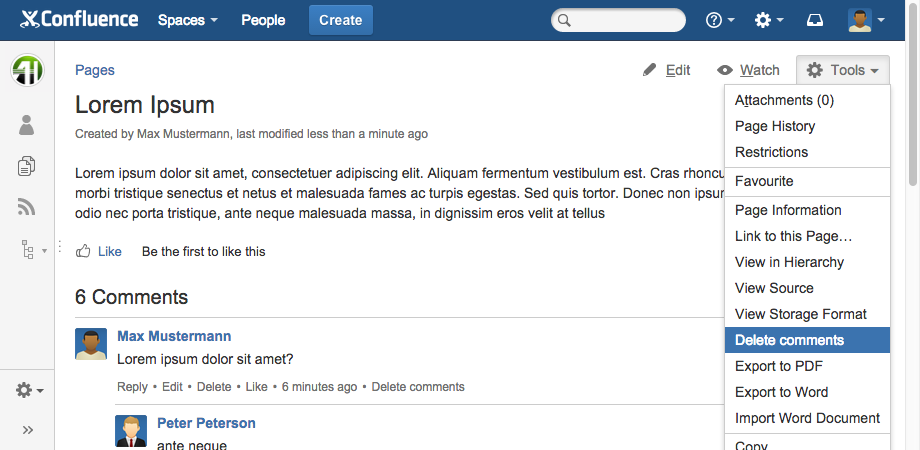
Click on "Tools" (gear icon or three bullet points) and choose
-
"Delete comments"
-
or move down to the comments and click beside a comment on "Delete comments".
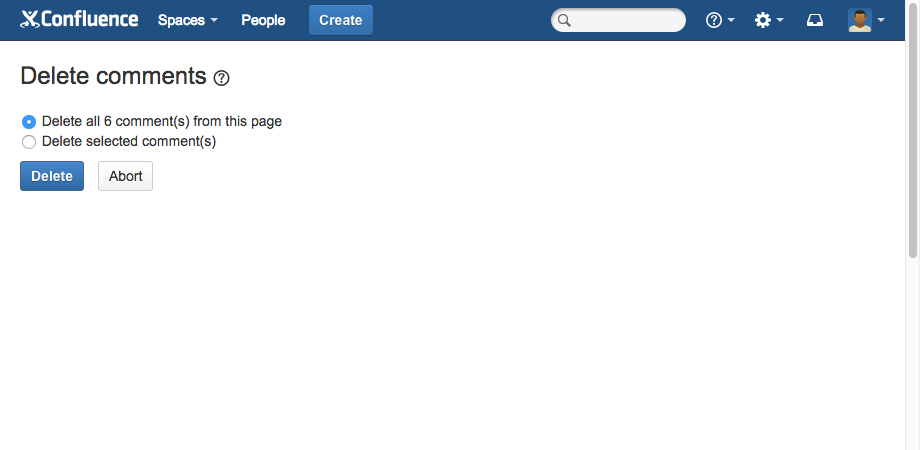
Now you can select between two options:
-
Delete all comment(s) from this page
-
Delete selected comment(s)
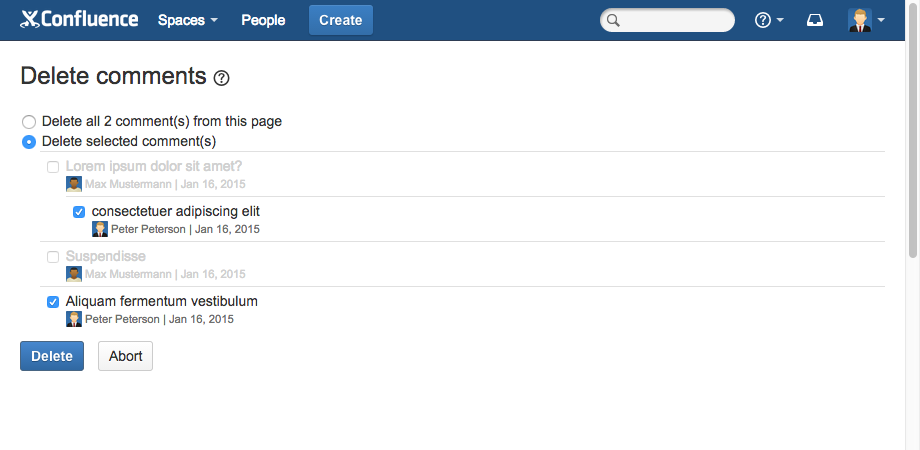
Click on "Delete" to confirm.