
There are two ways to access the manage filters overview.
-
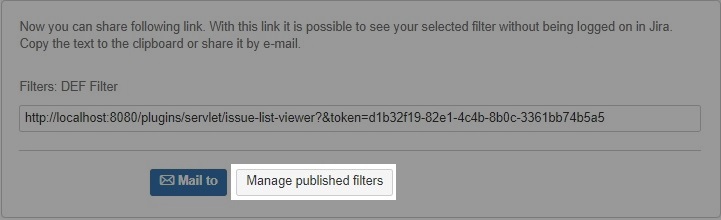
Create a new shareable filter link and click on "Manage published filters"
-
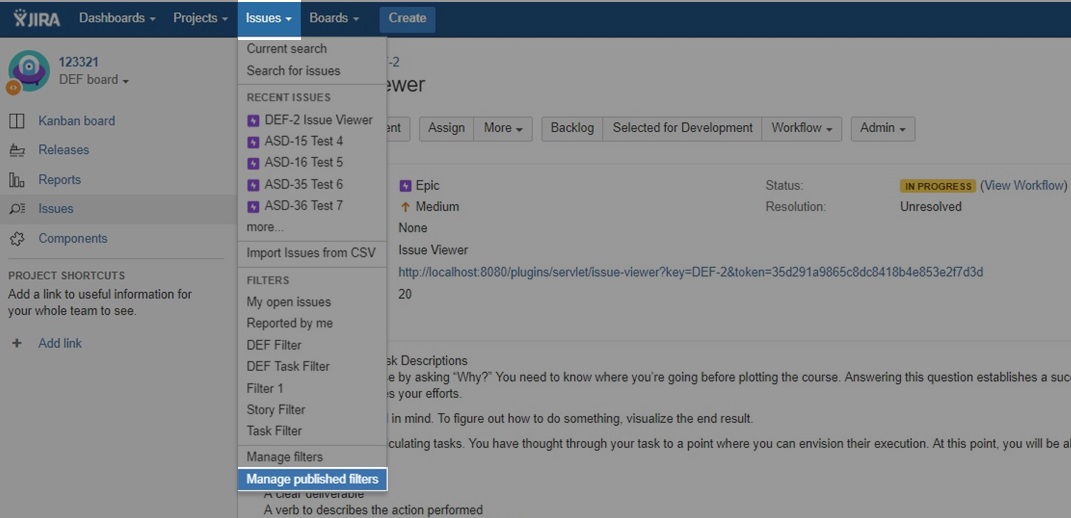
Choose "Manage published filters" in the "Issues" dropdown
There are two ways to access the manage filters overview.
Create a new shareable filter link and click on "Manage published filters"
Choose "Manage published filters" in the "Issues" dropdown